Shoes & Footwear Photos for StockX
Create professional shoes & footwear product photos that meet StockX's requirements. AI-powered optimization for higher visibility.
TL;DR - Shoes & Footwear Photos for StockX
- Use pure white RGB(255,255,255) backgrounds - StockX will reject any off-white or gray tones
- Shoot all shoes at eye-level, centered in frame with consistent 45-degree side angles
- Include clear shots of both shoes' size tags, interior stitching, and sole patterns for authentication
- Never use filters, HDR, or color correction that alters the shoe's true appearance
- Shoot box condition separately: front, back, top, size label, and any manufacturer stickers
StockX shoe photography demands clinical accuracy: pure white backgrounds, consistent 45-degree angles showing all authentication details (tags, soles, stitching), box documentation, and absolutely no color manipulation to ensure buyers can verify authenticity and condition before purchase.
StockX Shoe Listing Success Metrics
StockX Image Requirements
Ensure your shoes & footwear photos meet these specifications
Source: StockX Seller Help (verified Dec 2024)
Image Size
1000×1000px
Flexible
File Format
JPEG, PNG
Max: 10MB
Background
White Background
Clean, neutral background. Show product authenticity clearly. Multiple angles required for verification.
Why StockX Rejects Shoes & Footwear Photos
- 1Product authenticity not clearly shown
- 2Missing required angle shots
- 3Poor lighting obscuring details
- 4Background too busy or distracting
- 5Condition not accurately represented
- 6Size tags or labels not visible
StockX Compliance Checklist
- Product authenticity clearly visible
- All required angles captured
- Size tag and labels shown
- Condition accurately represented
- Clean, neutral background
- Sharp focus and good lighting
- True-to-life colors
Pro Tips for Shoes & Footwear on StockX
Expert advice to maximize your listing performance
Always include size tag and authenticity markers
Show any wear or defects clearly for used items
Capture all standard angles: top, sides, bottom, details
Good lighting reveals true colors and condition
Include box and accessories if available
How to Create StockX-Ready Shoes & Footwear Photos
Follow these steps with SellerCam for perfect results
Use SellerCam's "StockX Angles" guide
Capture required shots: top, sides, bottom, details
AI enhances clarity for authenticity verification
Review each angle before submission
Export high-resolution for detail inspection
Shoes & Footwear Photography Tips
Pro tips for capturing stunning shoes & footwear photos
Lighting
- Use soft, diffused lighting to avoid harsh reflections on patent leather
- Side lighting reveals texture on suede and canvas materials
- Avoid direct flash which flattens sneaker details
Best Angles
- 45-degree front angle is the hero shot for most shoes
- Profile shot (side view) shows heel height and sole thickness
- Top-down view displays lacing and tongue details
See the Difference AI Makes
Real shoes & footwear transformations for StockX from SellerCam users
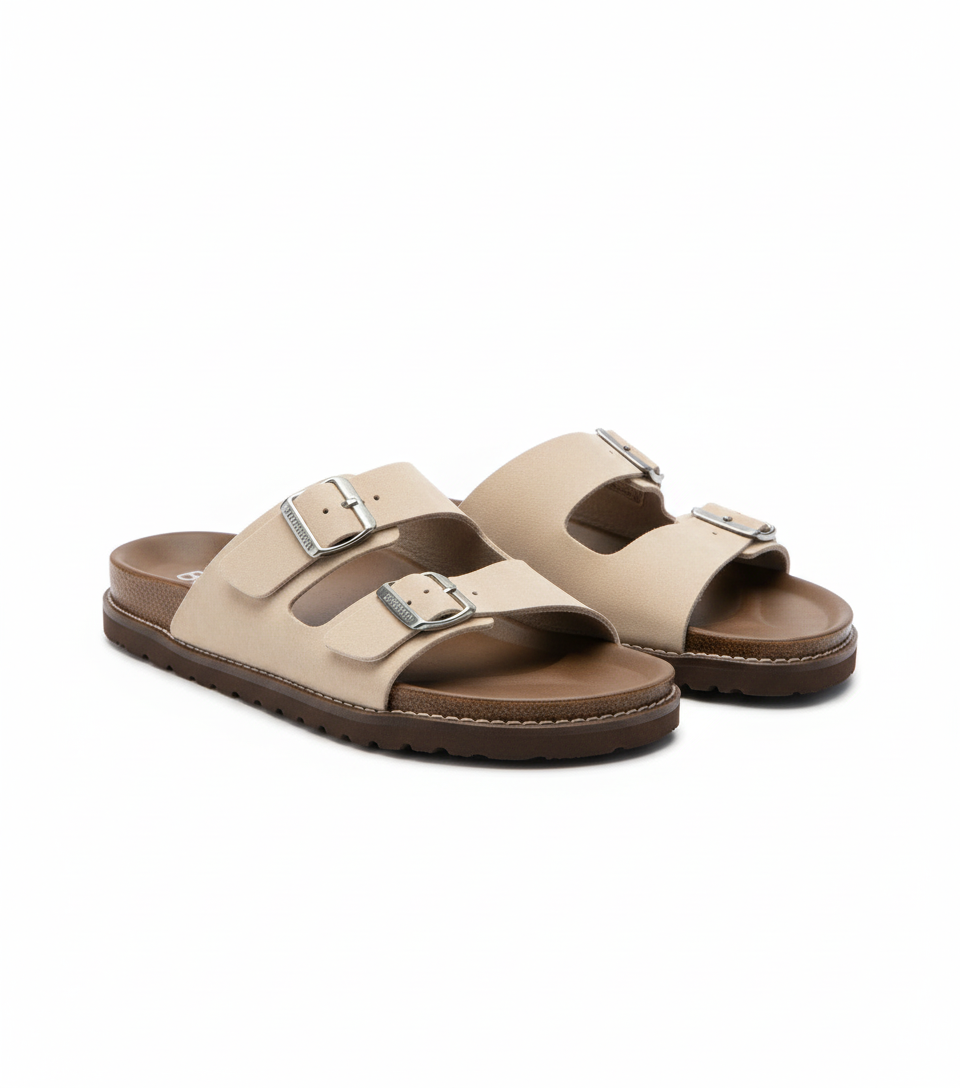
Frequently Asked Questions
Everything you need to know about creating shoes & footwear photos for StockX
Can I use StockX's white background requirement for all shoe colors, including white shoes?
Yes, but white shoes require careful exposure control. Slightly underexpose (by 1/3 stop) to maintain detail in white materials, and ensure your pure white background is 1-2 stops brighter than the shoe to create separation. StockX's system detects background white levels algorithmically.
How many photos should I include for a complete StockX shoe listing?
Minimum 8 photos: left 45°, right 45°, top, back, soles, size tags, interior stitching, and box front. For high-value collectibles, add 2-4 additional detail shots of unique features, special packaging, or manufacturer flaws noted in the condition description.
What's the biggest authentication-related photo mistake shoe sellers make on StockX?
Blurry size tag photos. Authentication teams cannot verify production dates or factory codes from blurry images. Use macro mode, stabilize your camera, and ensure the tag is fully flat (not curved with the shoe's tongue). Even slight blur can delay verification by 24-48 hours.
Do StockX requirements differ for deadstock vs. used shoes?
Yes significantly. Deadstock requires pristine presentation: laces factory-tied, tissue paper intact if original, no try-on creases. Used shoes require clear documentation of all wear: sole tread depth, heel drag, toe box creasing, collar foam collapse, and any cleaning/restoration performed. Both need the same background and angles.
Master StockX product photography
Weekly tips, platform updates, and pro techniques. Join 5,000+ sellers improving their listings.
Ready to Create Professional Shoes & Footwear Photos?
No signup required. Start creating StockX-ready images in seconds.
Open Camera Tool