Shoes & Footwear Photos for Facebook Marketplace
Create professional shoes & footwear product photos that meet Facebook Marketplace's requirements. AI-powered optimization for higher visibility.
TL;DR - Shoes & Footwear Photos for Facebook Marketplace
- Use at least 1200x1200px images with good lighting to show shoe texture and condition clearly
- Capture both sides, top down, and sole views to give buyers complete visual information
- Shoot on clean, neutral backgrounds (light gray works best) – avoid busy patterns or clutter
- Include a size tag or measuring tape in one photo for scale reference
- Take photos in natural daylight near a window to avoid yellow tints from indoor bulbs
To successfully sell shoes on Facebook Marketplace, focus on high-resolution square images (1200px minimum) shot in natural light on neutral backgrounds, showing all angles including soles and interiors, while avoiding common mistakes like using blurry photos or hiding wear and tear that leads to buyer disputes.
Facebook Marketplace Shoe Sales: Image Impact
Facebook Marketplace Image Requirements
Ensure your shoes & footwear photos meet these specifications
Source: Facebook Marketplace Seller Help (verified Dec 2024)
Image Size
600×600px
Flexible
File Format
JPEG, PNG
Max: 10MB
Background
White Background
Clear photos showing the actual item. Good lighting. Show condition honestly for local pickup buyers.
Why Facebook Marketplace Rejects Shoes & Footwear Photos
- 1Photos too dark or blurry
- 2Item condition not clearly shown
- 3Missing important angles
- 4Background too cluttered
- 5Photos don't match description
- 6Using generic stock images
Facebook Marketplace Compliance Checklist
- Photos are clear and well-lit
- Actual item shown (not stock)
- Condition honestly represented
- Multiple angles provided
- Any flaws photographed
- Good thumbnail image selected
Pro Tips for Shoes & Footwear on Facebook Marketplace
Expert advice to maximize your listing performance
First photo appears as thumbnail - make it count
Show item from multiple angles
Include photos of any damage or wear
Good lighting builds buyer confidence
Local buyers appreciate honest, clear photos
How to Create Facebook Marketplace-Ready Shoes & Footwear Photos
Follow these steps with SellerCam for perfect results
Photograph item in good lighting
Select "Marketplace Clear" preset
AI brightens and clarifies image
Capture all angles and any flaws
Export at 600px+ for quick listing
Shoes & Footwear Photography Tips
Pro tips for capturing stunning shoes & footwear photos
Lighting
- Use soft, diffused lighting to avoid harsh reflections on patent leather
- Side lighting reveals texture on suede and canvas materials
- Avoid direct flash which flattens sneaker details
Best Angles
- 45-degree front angle is the hero shot for most shoes
- Profile shot (side view) shows heel height and sole thickness
- Top-down view displays lacing and tongue details
See the Difference AI Makes
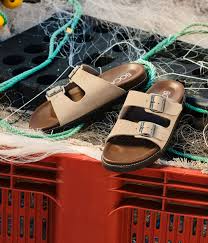
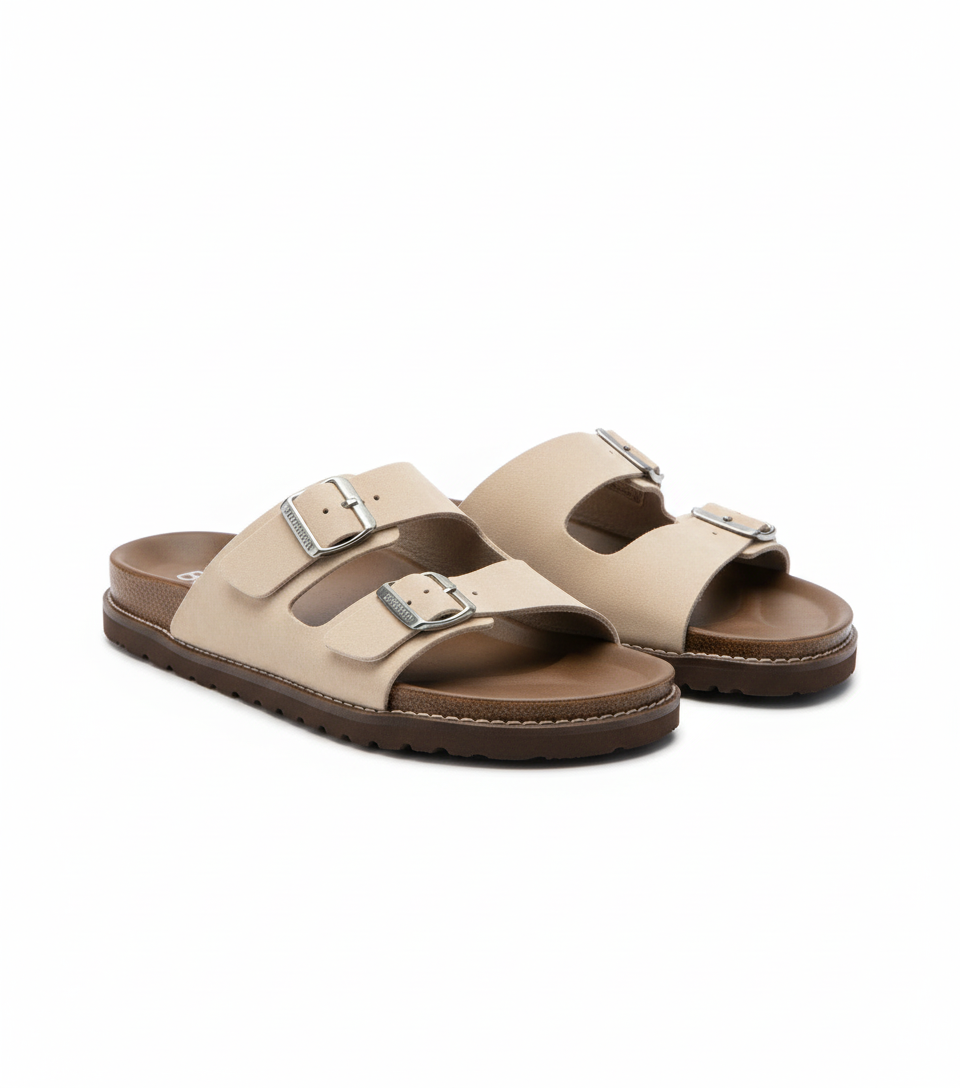
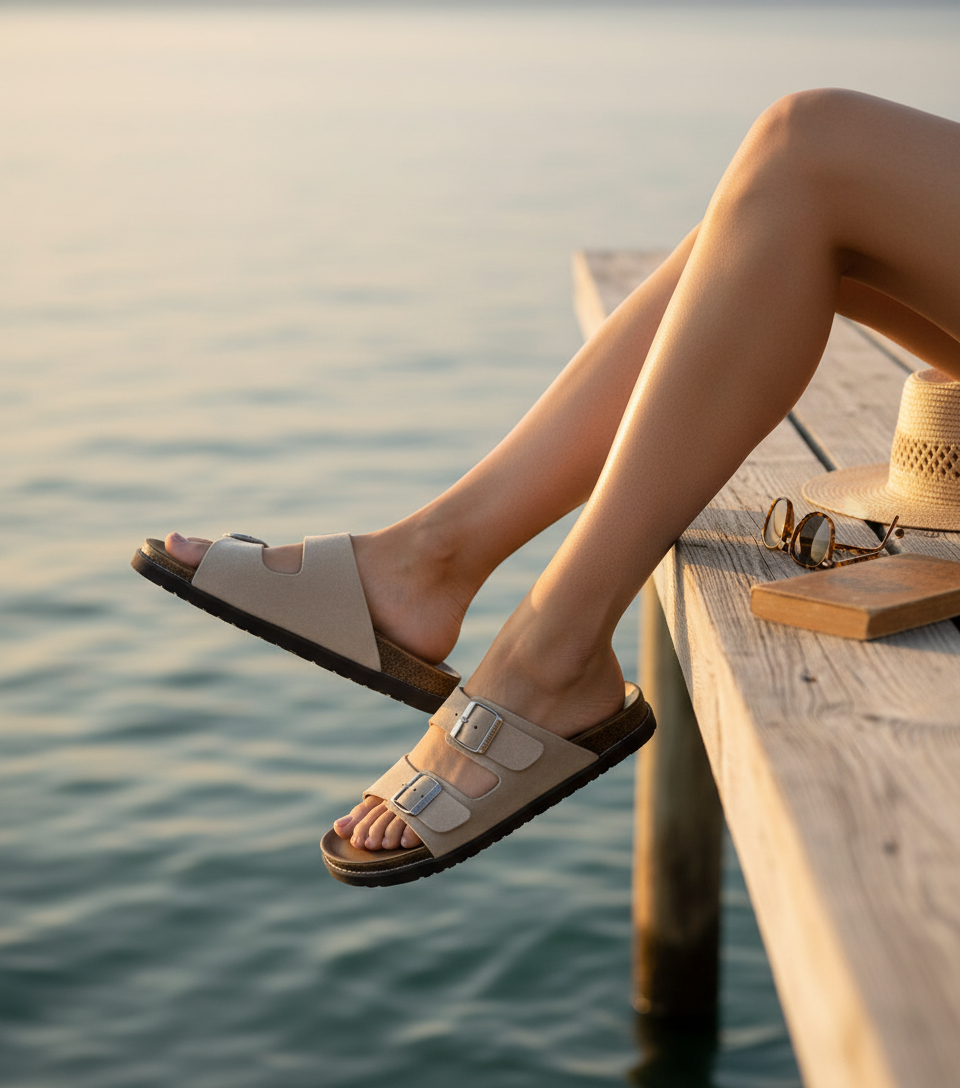
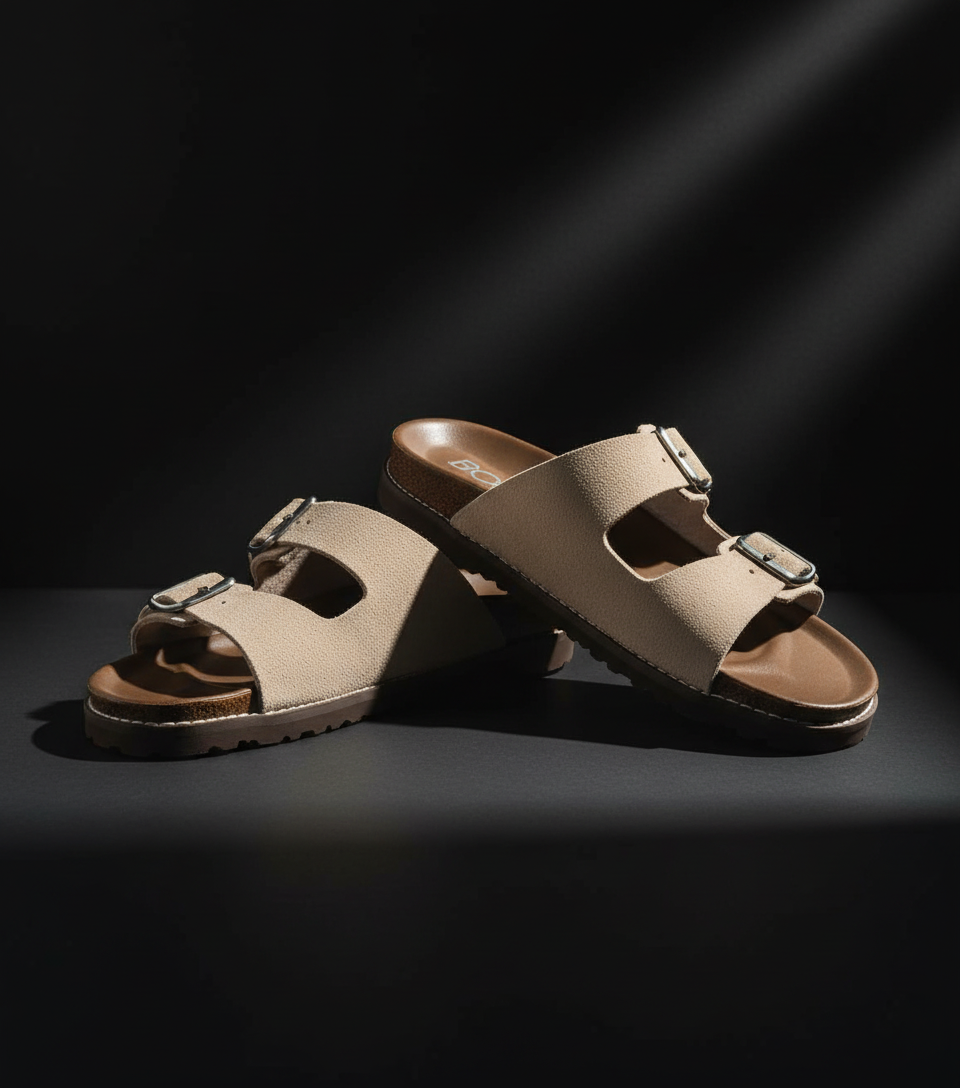
Real shoes & footwear transformations for Facebook Marketplace from SellerCam users
Frequently Asked Questions
Everything you need to know about creating shoes & footwear photos for Facebook Marketplace
Can I use stock photos from the brand's website for my Facebook Marketplace shoe listing?
No. Facebook Marketplace requires original photos of the actual item you're selling. Using stock images violates their Commerce Policies and can result in removal of your listing or restrictions on your account, as it's considered misleading representation.
Why do my white sneakers look yellow in my Facebook Marketplace photos?
This is usually caused by auto white balance in smartphone cameras under artificial lighting. Shoot near a window with natural daylight, or manually set your camera's white balance to 'daylight' or around 5500K. Editing with a slight blue tint correction can also help.
How many photos of shoes should I include for the best results on Marketplace?
Facebook allows up to 10 photos – use all of them. Include side views of both shoes, top down, soles, inside tags, any defects, with laces tied and untied, and a lifestyle shot if possible. Listings with 8-10 photos receive 40% more inquiries according to seller data.
What's the best background color for used shoes on Facebook Marketplace?
Light gray (#f5f5f5) works best as it provides contrast for both dark and light shoes without the harshness of pure white. It also looks clean while hiding minor imperfections in the background surface better than white does.
Master Facebook Marketplace product photography
Weekly tips, platform updates, and pro techniques. Join 5,000+ sellers improving their listings.
Ready to Create Professional Shoes & Footwear Photos?
No signup required. Start creating Facebook Marketplace-ready images in seconds.
Open Camera Tool