Jewelry & Accessories Photos for Amazon
Create professional jewelry & accessories product photos that meet Amazon's requirements. AI-powered optimization for higher visibility.
TL;DR - Jewelry & Accessories Photos for Amazon
- Use pure white background RGB(255,255,255) with no shadows or props for all primary images.
- Minimum image size is 1000x1000 pixels in JPEG or PNG format, with a 1:1 aspect ratio.
- Employ diffused lighting, like a light tent, to minimize reflections on metals and gemstones.
- Capture multiple angles: top-down for settings, side views for depth, and macro shots for details.
- Calibrate color accuracy using a color checker card to prevent rejections for gemstone hues.
For Amazon jewelry listings, ensure images meet strict specs: 1000x1000px on pure white background, use diffused light to reduce glare, include top, side, and detail angles, and maintain precise color fidelity for metals and gems to avoid rejections and increase sales.
Amazon Jewelry Image Compliance: Critical Stats for Sellers
Amazon Image Requirements
Ensure your jewelry & accessories photos meet these specifications
Source: Amazon Seller Help (verified Dec 2024)
Image Size
1000×1000px
1:1 recommended
File Format
JPEG, PNG
Max: 10MB
Background
White Background
Pure white background (RGB 255,255,255) for main image. Product must fill 85% of frame.
Why Amazon Rejects Jewelry & Accessories Photos
- 1Background not pure white (off-white or gray tint)
- 2Product fills less than 85% of image frame
- 3Watermarks, logos, or promotional text on image
- 4Image resolution below 1000px on longest side
- 5Multiple products in single main image
- 6Props or accessories not included in listing
Amazon Compliance Checklist
- Background is pure white (RGB 255,255,255)
- Product fills 85%+ of image frame
- No watermarks, logos, or text
- Resolution is 1000px+ on longest side
- File format is JPEG, PNG, GIF, or TIFF
- File size under 10MB
- Product matches listing description exactly
Pro Tips for Jewelry & Accessories on Amazon
Expert advice to maximize your listing performance
Use pure white seamless paper or lightbox for consistent results
Check RGB values are exactly 255,255,255 before upload
Include 6-7 images: main + angles + lifestyle + infographic
Zoom-enabled images (1600px+) get higher conversion
How to Create Amazon-Ready Jewelry & Accessories Photos
Follow these steps with SellerCam for perfect results
Capture your product with SellerCam's guided camera
Select "Amazon White Background" preset
AI automatically removes background and applies pure white
Review compliance checklist before downloading
Export at 2000px for zoom-enabled listing
Jewelry & Accessories Photography Tips
Pro tips for capturing stunning jewelry & accessories photos
Lighting
- Use tent lighting or light box to minimize harsh reflections
- Diffused lighting prevents "hot spots" on metals
- Back lighting can enhance gemstone transparency
Best Angles
- Front-facing shot at slight angle for dimension
- Close-up macro shots for gemstone details
- Scale shot with common reference (coin, ruler)
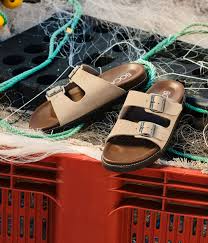
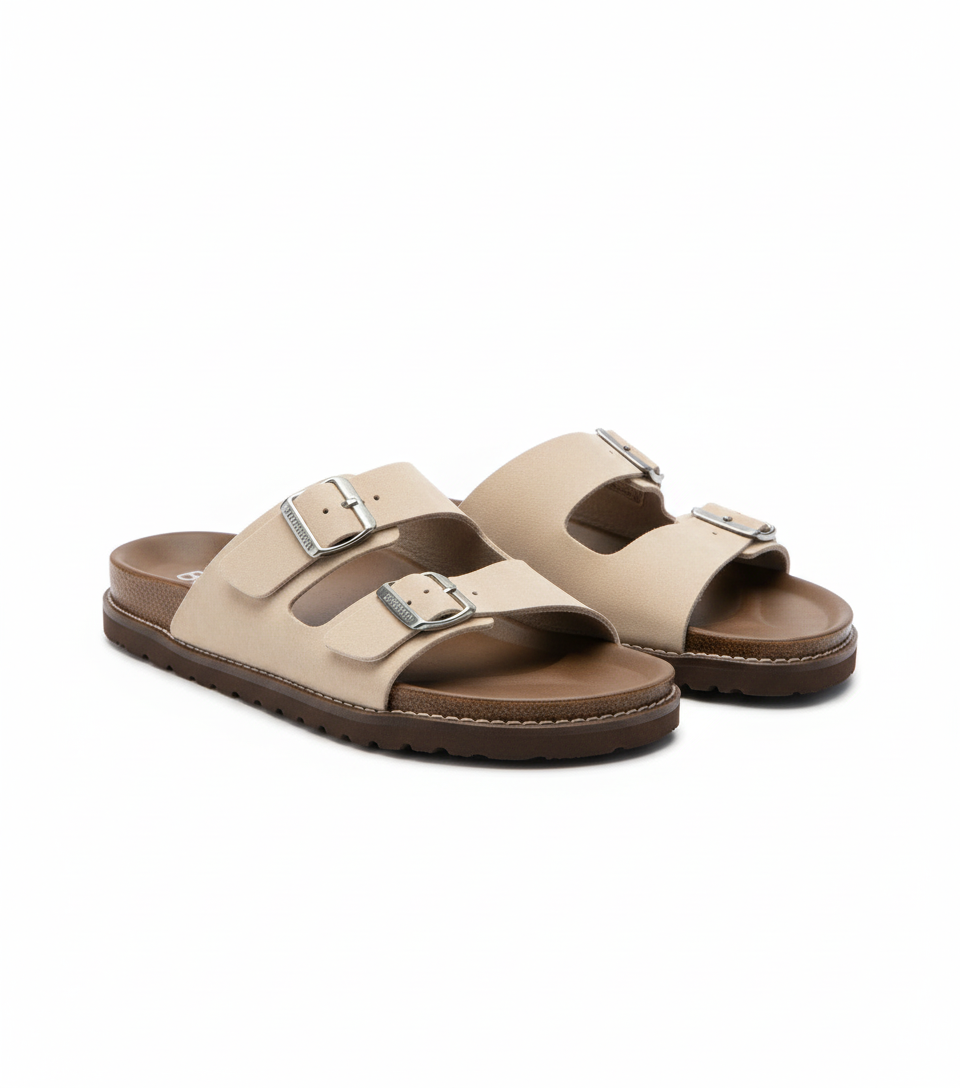
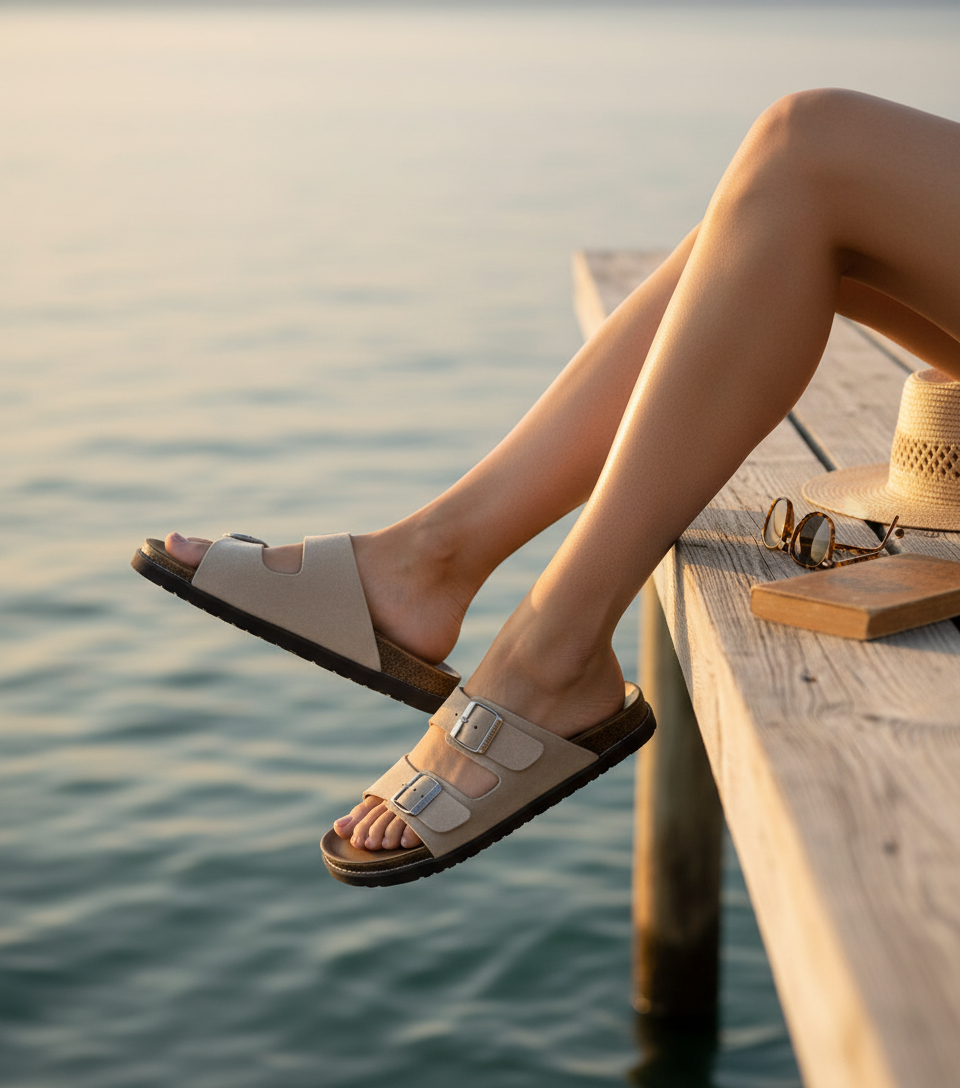
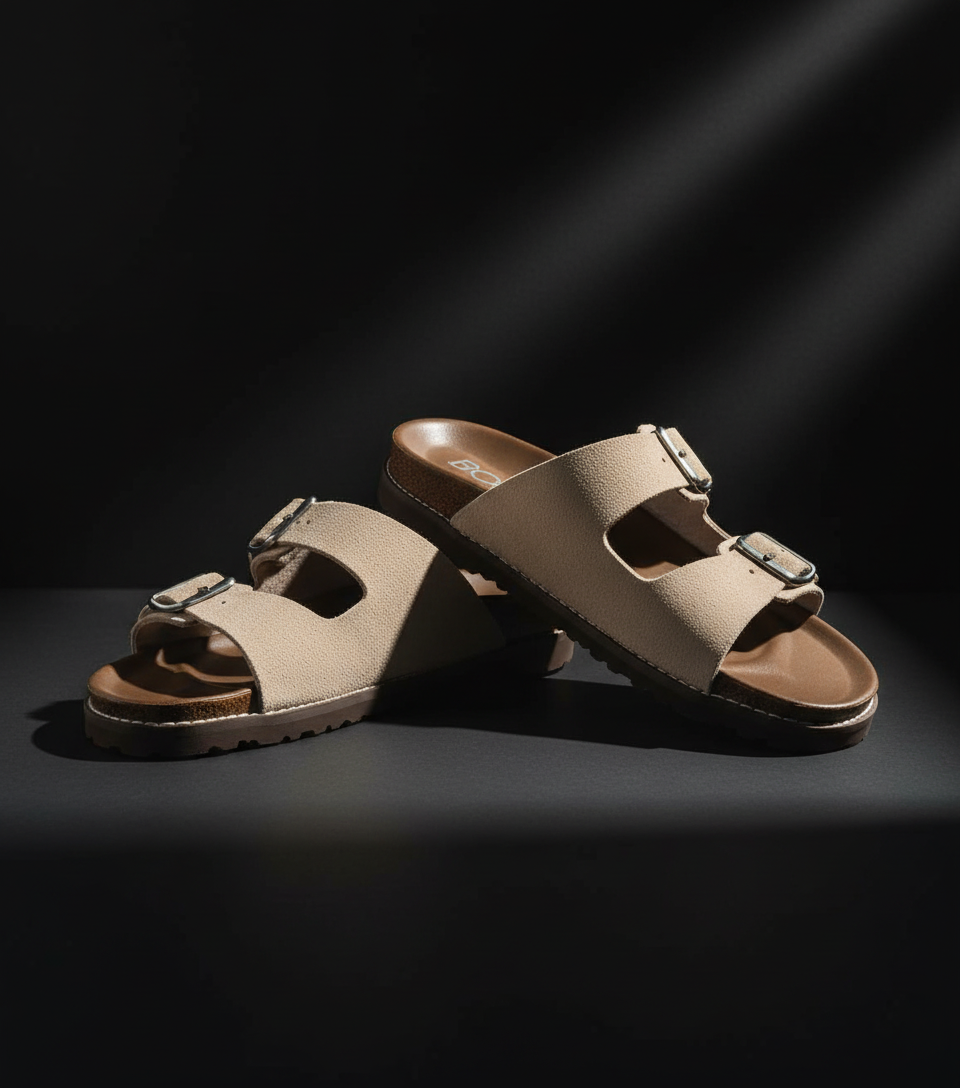
See the Difference AI Makes
Real jewelry & accessories transformations for Amazon from SellerCam users
Frequently Asked Questions
Everything you need to know about creating jewelry & accessories photos for Amazon
Can I use lifestyle images with models for jewelry on Amazon?
Yes, but only for secondary images; the primary image must have a pure white background with no models. Ensure models do not obscure the jewelry and that lifestyle shots comply with Amazon's content policies.
How do I prevent reflections when photographing highly polished silver or gold jewelry?
Use a light tent with diffused lighting and position lights at angles to minimize direct reflections. A polarizing filter on your lens can further reduce glare without compromising detail.
What is the best way to ensure accurate color for gemstones like sapphires or opals in Amazon images?
Shoot in controlled lighting with a color checker card, set custom white balance, and edit minimally to maintain natural hues. Avoid oversaturation, which can lead to customer disputes and returns.
Why was my jewelry image rejected for background issues even though it looks white?
Common reasons include subtle shadows, off-white tones (e.g., RGB 250,250,250), or visible prop edges. Use editing software to verify RGB values are exactly (255,255,255) and remove any imperfections.
Master Amazon product photography
Weekly tips, platform updates, and pro techniques. Join 5,000+ sellers improving their listings.
Ready to Create Professional Jewelry & Accessories Photos?
No signup required. Start creating Amazon-ready images in seconds.
Open Camera Tool