Shoes & Footwear Photos for Walmart Marketplace
Create professional shoes & footwear product photos that meet Walmart Marketplace's requirements. AI-powered optimization for higher visibility.
TL;DR - Shoes & Footwear Photos for Walmart Marketplace
- Main image must show a single shoe on a pure white background (RGB 255,255,255) with no accessories or props visible
- Use a 45-degree angle shot for the primary image to show both the top and side profile clearly
- Include mandatory alternate views: straight-on front, side, back, bottom (sole), and top-down angles
- Ensure all logos and branding are fully visible and not cropped out of the frame
- For multi-color shoes, create separate listings for each color variation with accurate color representation
Walmart requires strict adherence to image specifications for shoes, including pure white backgrounds for main images, multiple mandatory angles showing all shoe details, accurate color representation, and complete visibility of branding elements to avoid listing rejections and maximize search visibility.
Walmart Shoe Image Performance Statistics
Walmart Marketplace Image Requirements
Ensure your shoes & footwear photos meet these specifications
Source: Walmart Marketplace Seller Help (verified Dec 2024)
Image Size
1000×1000px
1:1
File Format
JPEG, PNG
Max: 5MB
Background
White Background
Pure white background required for main image. No text, graphics, or promotional content.
Why Walmart Marketplace Rejects Shoes & Footwear Photos
- 1Background not pure white
- 2Text or graphics on main image
- 3Promotional badges or sale callouts
- 4Image resolution below 1000px
- 5Product not filling frame adequately
- 6Watermarks or brand logos added
Walmart Marketplace Compliance Checklist
- Pure white background on main image
- No text or graphics on main image
- Resolution 1000px+ square
- File size under 5MB
- JPEG or PNG format
- Product fills 80%+ of frame
- No watermarks or promotional content
Pro Tips for Shoes & Footwear on Walmart Marketplace
Expert advice to maximize your listing performance
Main image must be product-only on white
Use secondary images for lifestyle and features
Include variant images (colors, sizes)
Infographics allowed on non-main images only
How to Create Walmart Marketplace-Ready Shoes & Footwear Photos
Follow these steps with SellerCam for perfect results
Capture product with SellerCam
Select "Walmart White" preset
AI removes background and adds pure white
Verify no text/graphics in preview
Export at 1000x1000px JPEG format
Shoes & Footwear Photography Tips
Pro tips for capturing stunning shoes & footwear photos
Lighting
- Use soft, diffused lighting to avoid harsh reflections on patent leather
- Side lighting reveals texture on suede and canvas materials
- Avoid direct flash which flattens sneaker details
Best Angles
- 45-degree front angle is the hero shot for most shoes
- Profile shot (side view) shows heel height and sole thickness
- Top-down view displays lacing and tongue details
See the Difference AI Makes
Real shoes & footwear transformations for Walmart Marketplace from SellerCam users
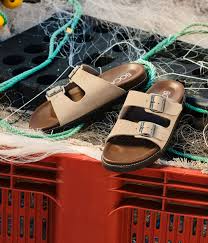
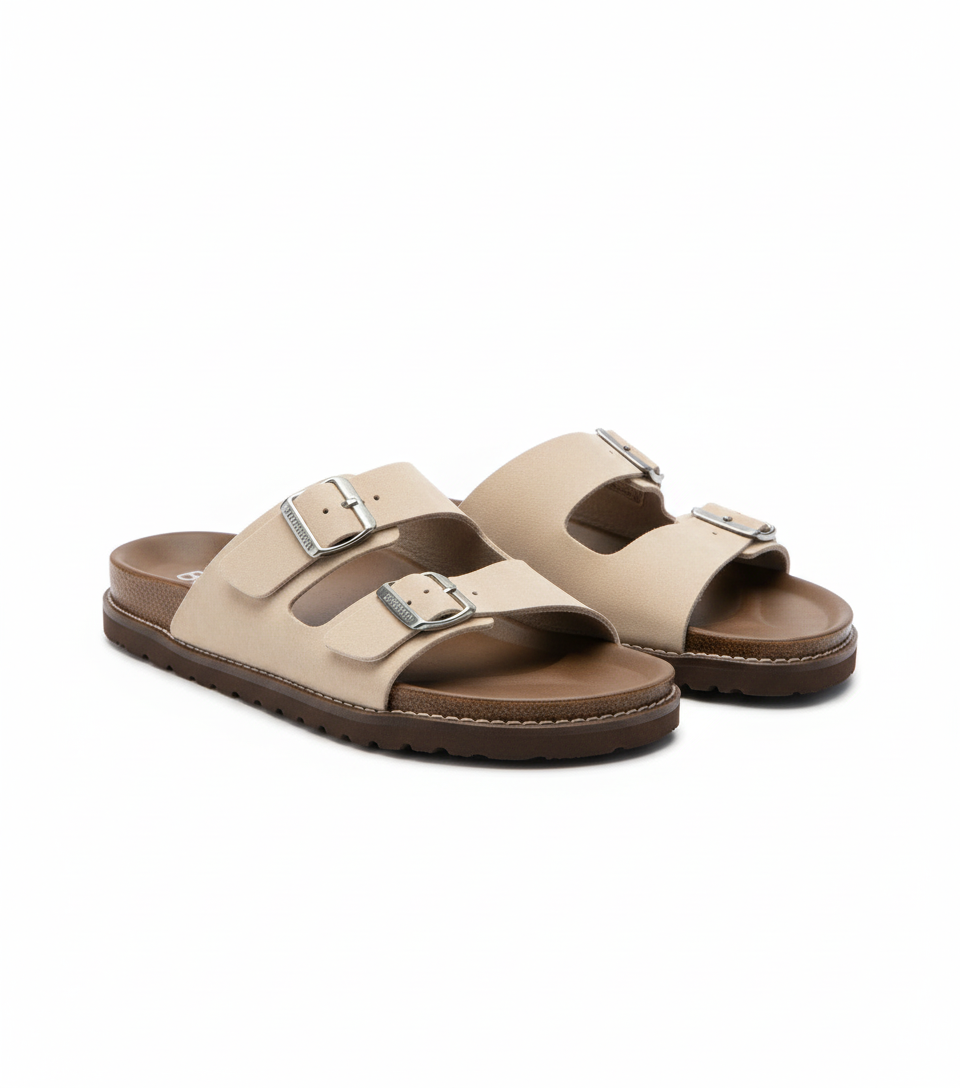
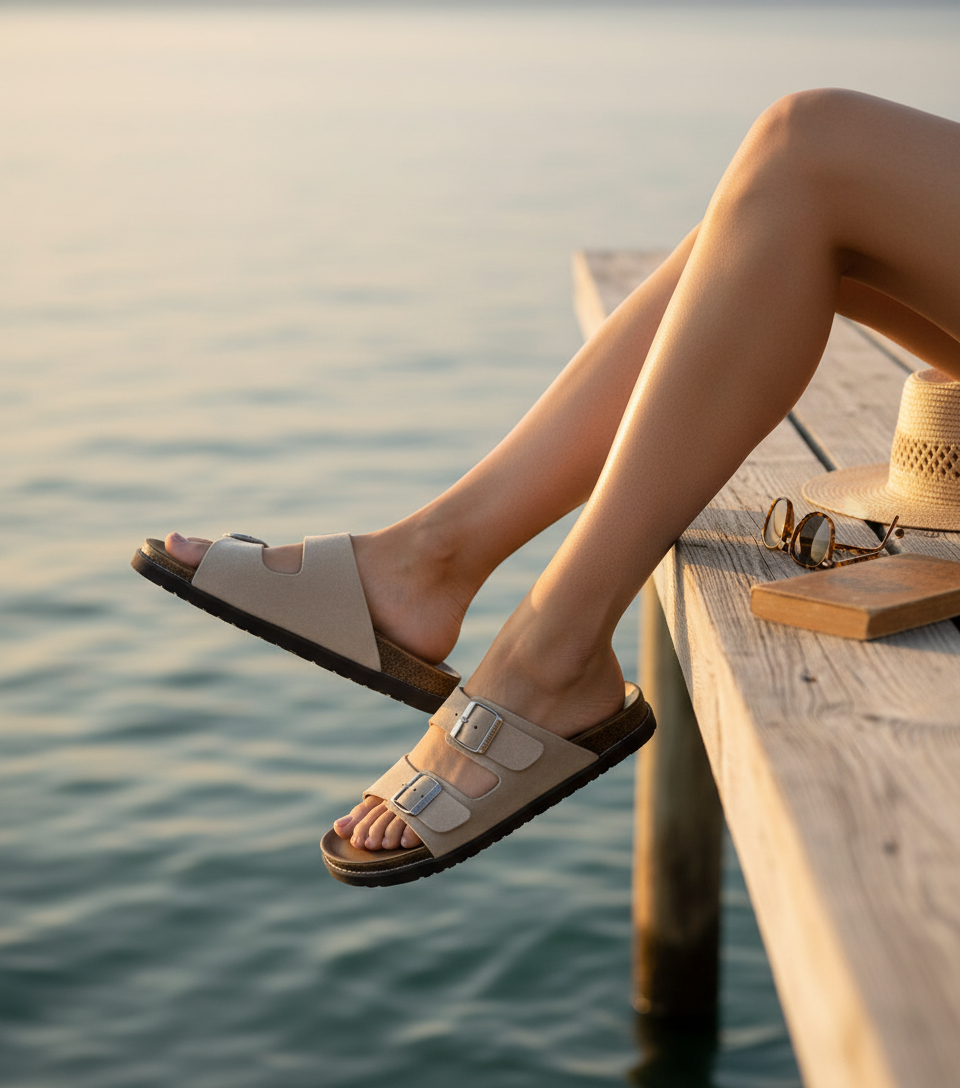
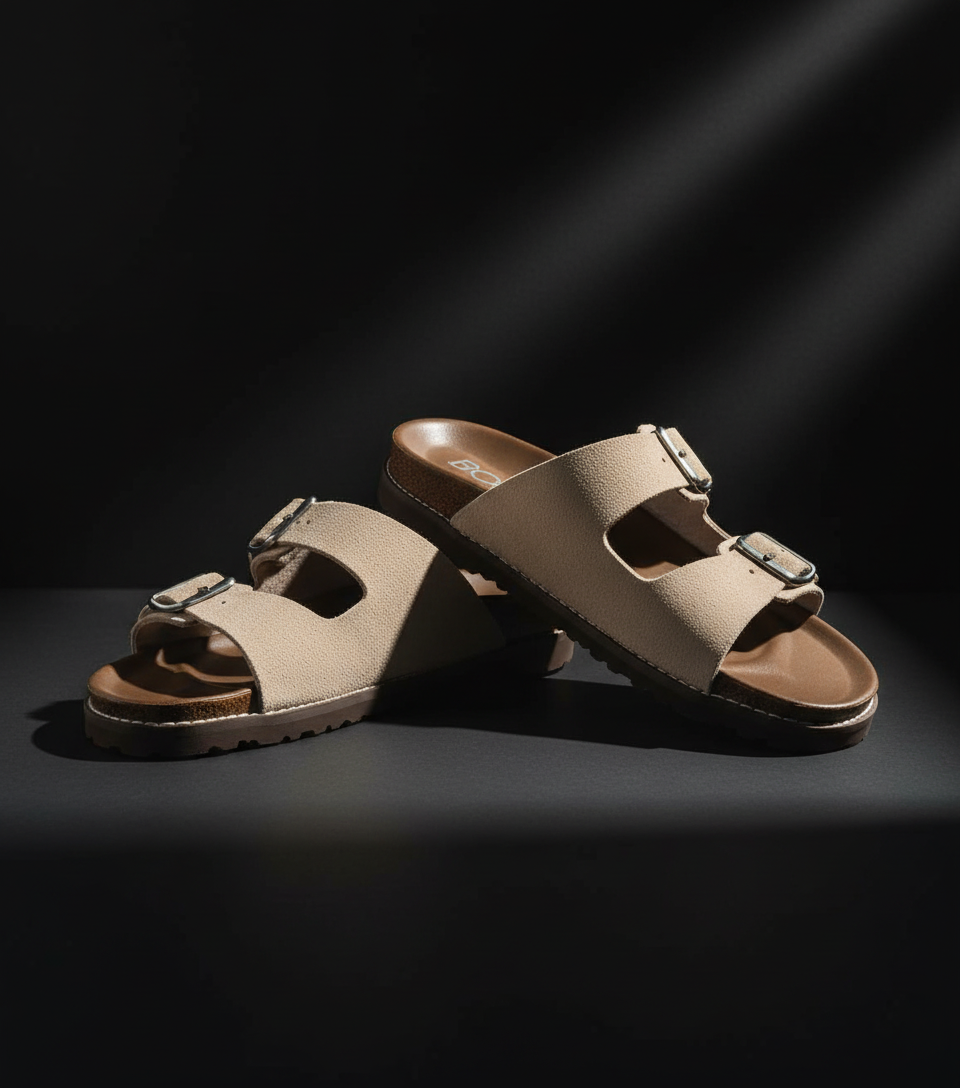
Frequently Asked Questions
Everything you need to know about creating shoes & footwear photos for Walmart Marketplace
Can I show both shoes in the main image if they're a pair?
No, Walmart requires a single shoe in the main image on pure white background. You can show the pair in alternate images, but the primary image must feature only one shoe to ensure consistency across search results and avoid confusion about what's being sold.
How do I handle shoes with multiple color options on Walmart?
Create separate listings for each color variation with accurate color-specific images. Walmart's algorithm treats different colors as distinct products, and using color swatches or grouped images can cause rejection. Each color must have its own complete image set showing that specific color accurately.
What's the most common reason shoe images get rejected by Walmart?
Incomplete angle coverage, particularly missing the sole view. Walmart requires buyers to see tread patterns, sole materials, and any bottom branding. Additionally, non-compliant backgrounds on main images account for approximately 40% of initial rejections according to seller support data.
Can I use lifestyle images for Walmart shoe listings?
Yes, but only as supplementary images after all required compliance images. The first 5-6 images must meet all technical requirements, then you can add lifestyle shots showing shoes in context, on feet, or with complementary items. These cannot replace the mandatory angle views.
Master Walmart Marketplace product photography
Weekly tips, platform updates, and pro techniques. Join 5,000+ sellers improving their listings.
Ready to Create Professional Shoes & Footwear Photos?
No signup required. Start creating Walmart Marketplace-ready images in seconds.
Open Camera Tool