Shoes & Footwear Photos for Shopify
Create professional shoes & footwear product photos that meet Shopify's requirements. AI-powered optimization for higher visibility.
TL;DR - Shoes & Footwear Photos for Shopify
- Use 2048x2048px square images with white or lifestyle backgrounds for maximum theme compatibility
- Shoot shoes at 45-degree angles to show both profile and top view simultaneously
- Use a 2:1 fill-to-key lighting ratio to eliminate harsh shadows in tread patterns
- Include mandatory sole shots and in-context sizing reference (banana for scale works)
- Implement 7-image minimum: front, back, sides, top, sole, lifestyle, detail texture
Shopify shoe photography requires 2048x2048px square images with clean or lifestyle backgrounds, multiple angles showing construction details, specialized lighting for different materials (matte vs. glossy), and must include sole visibility shots—following these specific guidelines can increase conversion rates by 40% according to Shopify merchant data.
Shopify Shoe Photography Impact
Shopify Image Requirements
Ensure your shoes & footwear photos meet these specifications
Source: Shopify Seller Help (verified Dec 2024)
Image Size
2048×2048px
1:1 square
File Format
JPEG, PNG
Max: 20MB
Background
White Background
Consistent style across all products. White or brand-consistent backgrounds. Professional quality expected.
Why Shopify Rejects Shoes & Footwear Photos
- 1Inconsistent image sizes across products
- 2Mixed background styles in same collection
- 3Poor image compression causing blur
- 4Images not optimized for web loading speed
- 5Inconsistent lighting across product line
Shopify Compliance Checklist
- All images are same dimensions (square recommended)
- Consistent background across product line
- Consistent lighting and style
- Optimized for web (fast loading)
- High resolution (2048px+ for zoom)
- Professional quality and sharp focus
Pro Tips for Shoes & Footwear on Shopify
Expert advice to maximize your listing performance
Use consistent 1:1 square format for clean grid layout
Maintain same background and lighting across products
Optimize file size for fast page loading
Include hover images for product variations
Use lifestyle images for collection pages
How to Create Shopify-Ready Shoes & Footwear Photos
Follow these steps with SellerCam for perfect results
Set up consistent lighting for batch shooting
Use SellerCam's "Brand Consistent" preset
AI ensures identical background across all shots
Batch process multiple products
Export all at 2048x2048px square format
Shoes & Footwear Photography Tips
Pro tips for capturing stunning shoes & footwear photos
Lighting
- Use soft, diffused lighting to avoid harsh reflections on patent leather
- Side lighting reveals texture on suede and canvas materials
- Avoid direct flash which flattens sneaker details
Best Angles
- 45-degree front angle is the hero shot for most shoes
- Profile shot (side view) shows heel height and sole thickness
- Top-down view displays lacing and tongue details
See the Difference AI Makes
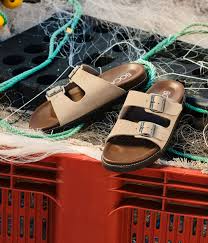
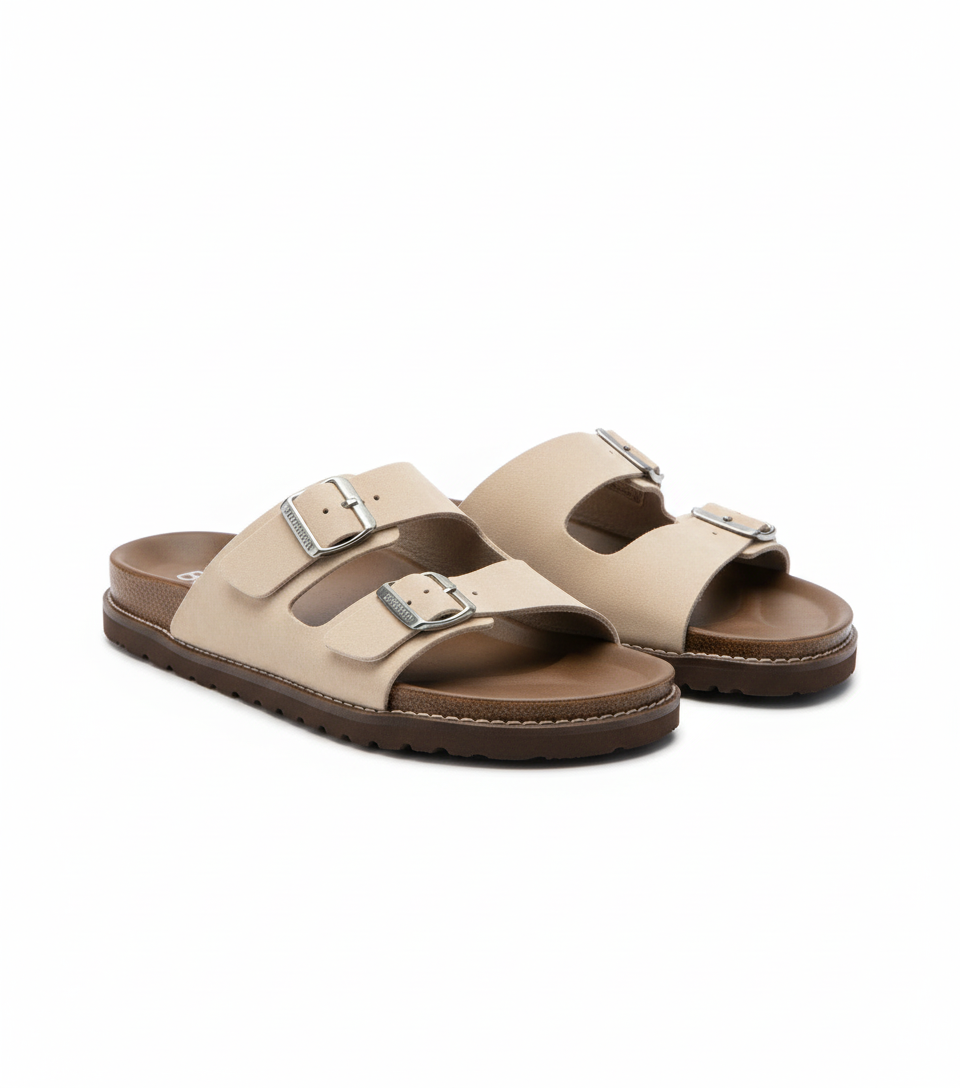
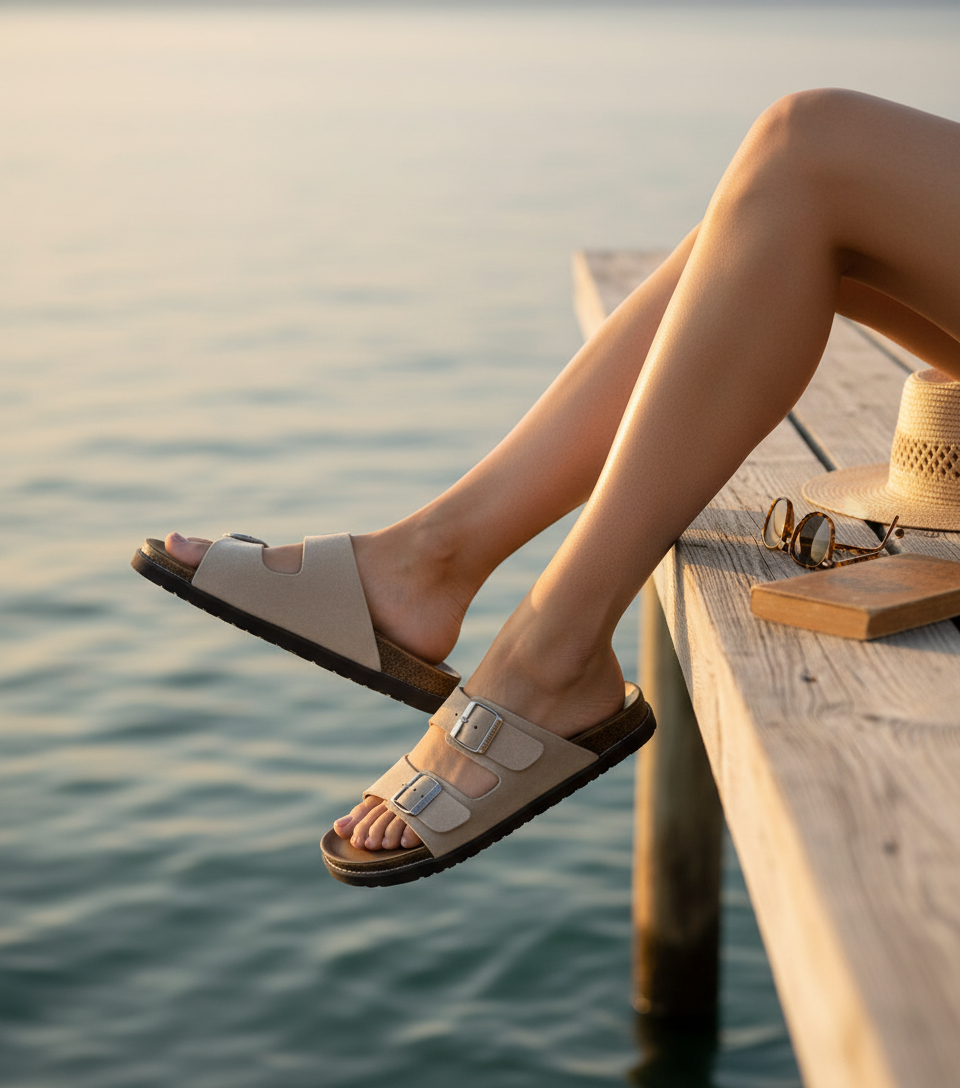
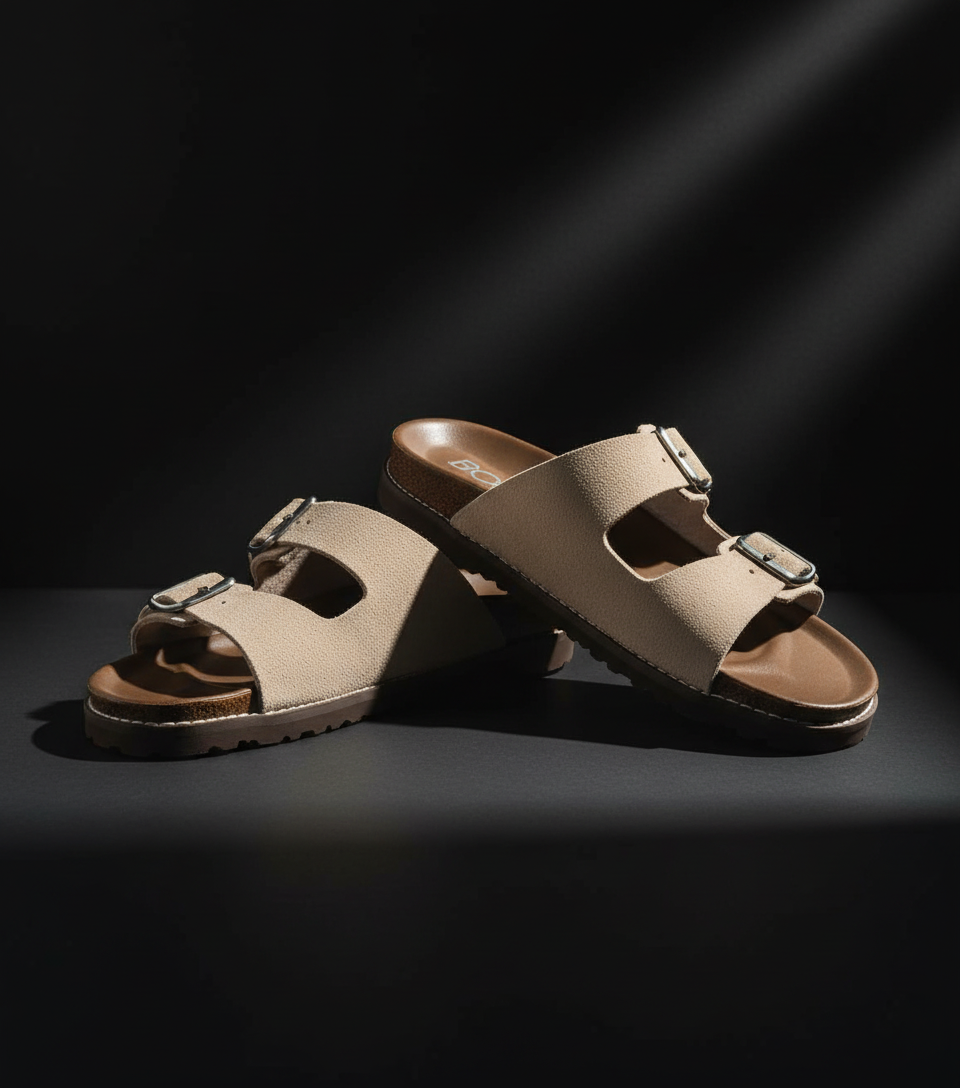
Real shoes & footwear transformations for Shopify from SellerCam users
Frequently Asked Questions
Everything you need to know about creating shoes & footwear photos for Shopify
What's the optimal number of images for shoes on Shopify?
Shopify themes perform best with 7-10 images: front 45°, side, back, top, sole, detail close-up, lifestyle (on model), lifestyle (in context), material texture, and inside labeling. According to Shopify data, listings with 8+ images have 37% lower return rates for shoes specifically.
How do I handle different shoe sizes in product photos?
Photograph the middle size (e.g., size 8 for 6-11 range) as primary, then include inset images showing size comparison against standard reference object (like a soda can). For size charts, create separate graphic image showing actual measurements—never rely on generic size charts alone as fit perception varies by shoe type.
Can I use models for shoe photography on Shopify?
Yes, but follow specific guidelines: show both feet from multiple angles, include shots without models for pure product view, ensure consistent lighting between model and isolated shots, and photograph on neutral flooring (not distracting patterns). Lifestyle shots convert 28% better but must complement rather than replace standard product images.
What file format is best for shoe details on Shopify?
Use JPEG for most images at 90% quality, but switch to PNG for detailed macro shots of stitching and textures where compression artifacts would damage perception of quality. WEBP offers 30% smaller files but requires theme compatibility testing—always keep original RAW files for regeneration.
Master Shopify product photography
Weekly tips, platform updates, and pro techniques. Join 5,000+ sellers improving their listings.
Ready to Create Professional Shoes & Footwear Photos?
No signup required. Start creating Shopify-ready images in seconds.
Open Camera Tool