Shoes & Footwear Photos for eBay
Create professional shoes & footwear product photos that meet eBay's requirements. AI-powered optimization for higher visibility.
TL;DR - Shoes & Footwear Photos for eBay
- Use a clean, neutral background (white or light gray) to meet eBay's requirements.
- Ensure shoes are well-lit to showcase details and minimize shadows.
- Capture multiple angles including side, top, sole, and close-ups of key features.
- Provide accurate color representation to avoid returns and build trust.
- Optimize image file sizes to load quickly on eBay listings (under 5MB).
To succeed selling shoes on eBay, high-quality, compliant product photography is crucial. Use a neutral background, excellent lighting, and various angles to showcase your shoes' details and accurately represent their color. Optimize images for fast loading and adhere to eBay's image guidelines to increase buyer confidence and boost sales.
Maximize Shoe Sales on eBay with Compliant Photos
eBay Image Requirements
Ensure your shoes & footwear photos meet these specifications
Source: eBay Seller Help (verified Dec 2024)
Image Size
500×500px
1:1 recommended
File Format
JPEG, PNG
Max: 12MB
Background
White Background
White or neutral background recommended. No borders or frames. Product should be the focus.
Why eBay Rejects Shoes & Footwear Photos
- 1Image too small (under 500px)
- 2Watermarks or seller logos on image
- 3Stock photos used for non-new items
- 4Borders or frames around image
- 5Text overlays on product image
- 6Multiple unrelated items in one photo
eBay Compliance Checklist
- Resolution is 500px+ (1600px+ for Gallery Plus)
- No watermarks or logos
- No borders or frames
- No text overlays
- Background is clean white or neutral
- Product clearly visible and in focus
- Actual product shown (not stock for used items)
Pro Tips for Shoes & Footwear on eBay
Expert advice to maximize your listing performance
Use 1600px+ for Gallery Plus eligibility
Show all angles and any flaws for used items
Include photos of tags, labels, and authenticity markers
Clean background helps with Best Match visibility
How to Create eBay-Ready Shoes & Footwear Photos
Follow these steps with SellerCam for perfect results
Capture your item with SellerCam camera
Select "eBay Clean" preset for white background
AI removes background and enhances clarity
Capture multiple angles for complete listing
Export at 1600px for Gallery Plus benefits
Shoes & Footwear Photography Tips
Pro tips for capturing stunning shoes & footwear photos
Lighting
- Use soft, diffused lighting to avoid harsh reflections on patent leather
- Side lighting reveals texture on suede and canvas materials
- Avoid direct flash which flattens sneaker details
Best Angles
- 45-degree front angle is the hero shot for most shoes
- Profile shot (side view) shows heel height and sole thickness
- Top-down view displays lacing and tongue details
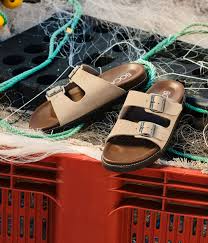
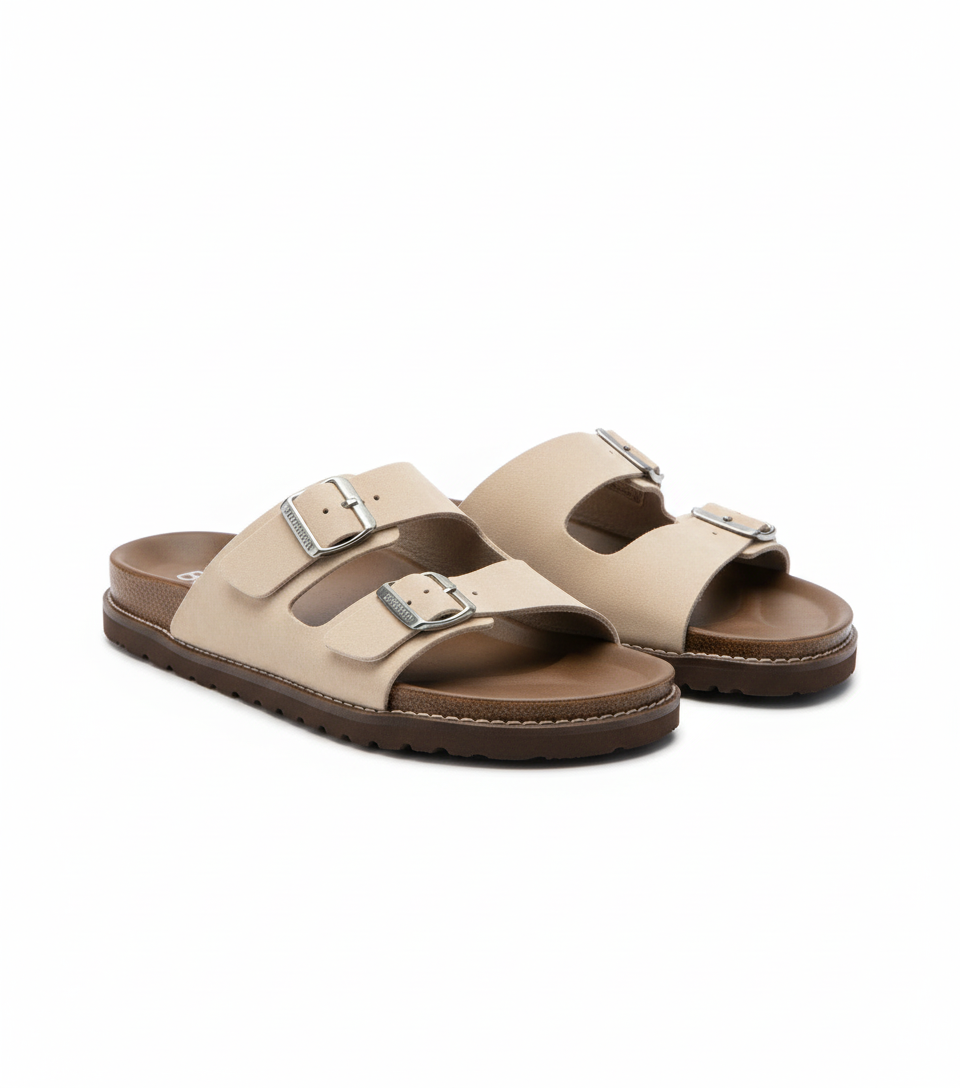
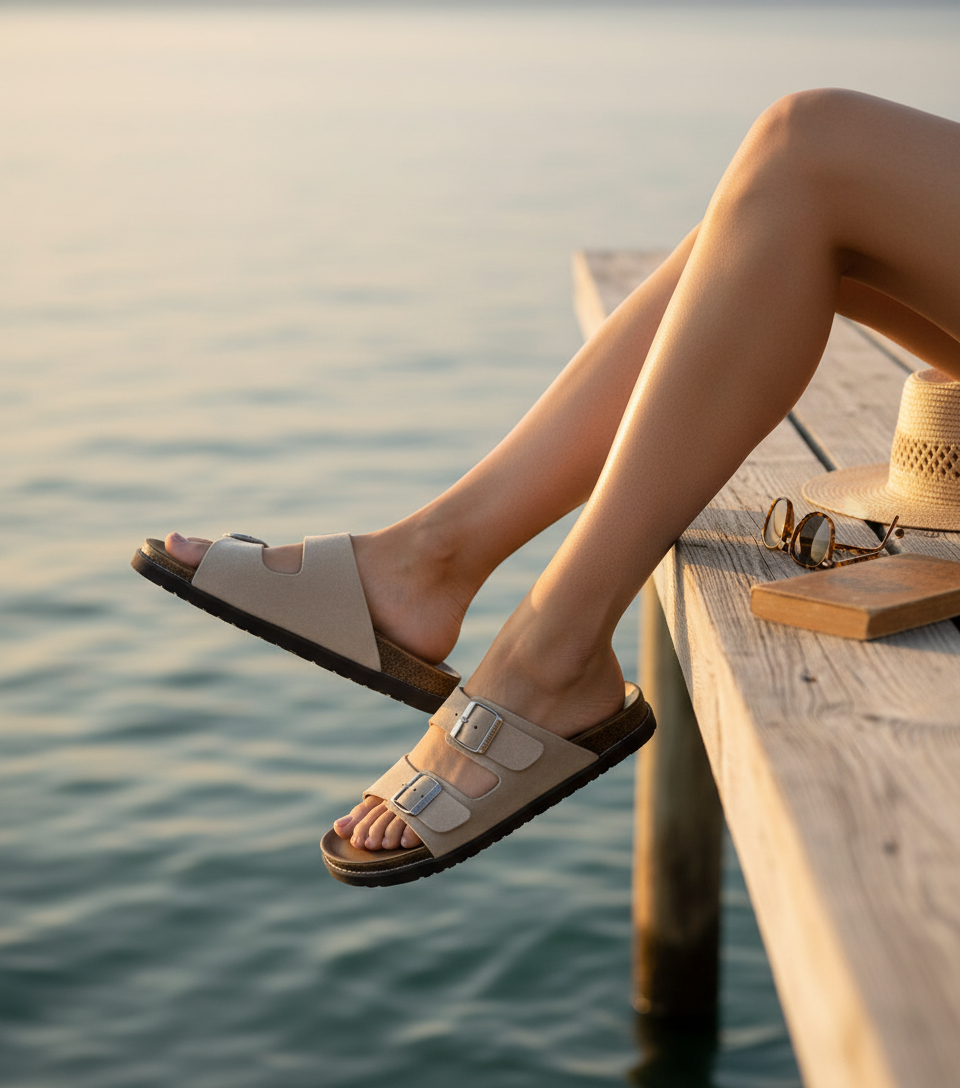
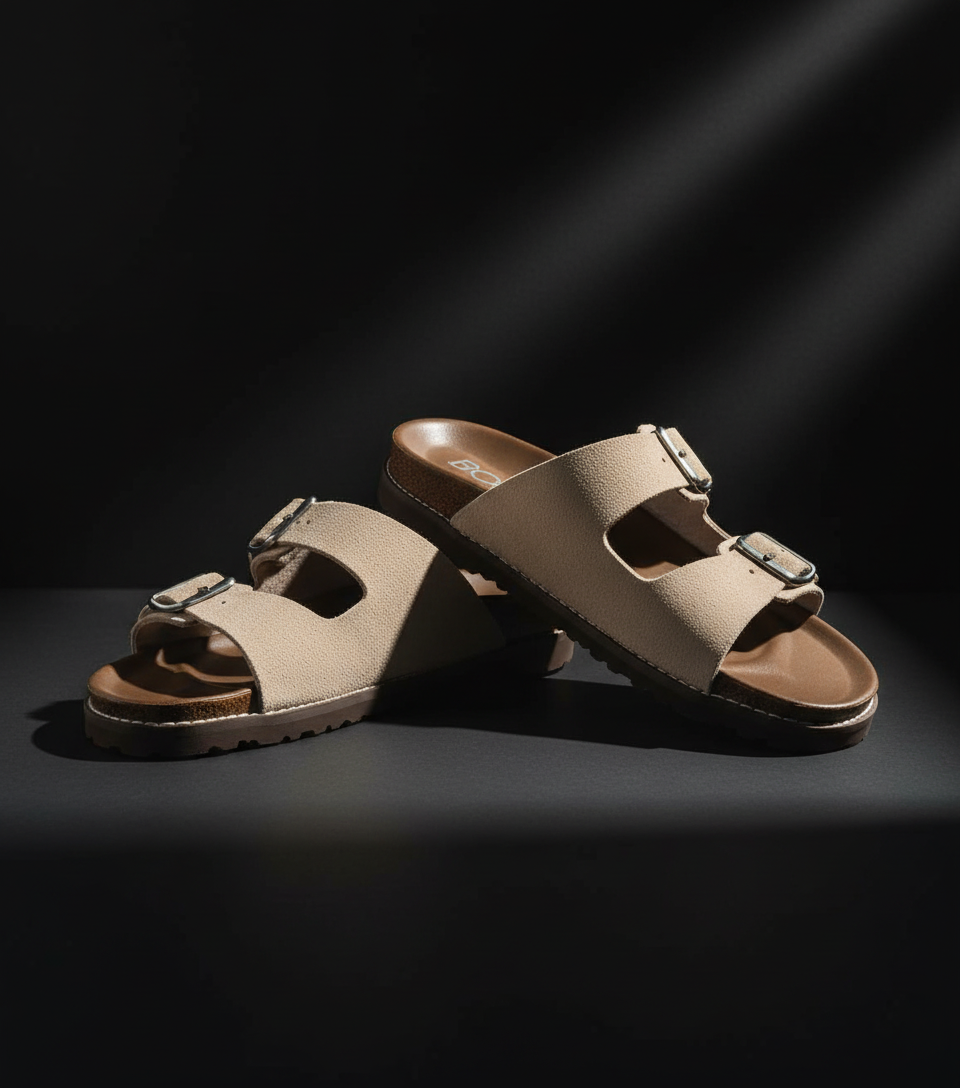
See the Difference AI Makes
Real shoes & footwear transformations for eBay from SellerCam users
Frequently Asked Questions
Everything you need to know about creating shoes & footwear photos for eBay
What is the minimum image size required for selling shoes on eBay?
eBay requires a minimum image size of 500x500 pixels. However, it's recommended to use larger images (e.g., 1600 pixels on the longest side) to enable the zoom feature, allowing buyers to see more detail. This can significantly improve buyer confidence and reduce the likelihood of returns.
Can I use lifestyle images for my eBay shoe listings?
eBay primarily requires product-only images with white or neutral backgrounds. While you can add lifestyle images in the listing description, the main image should adhere to eBay's background requirements. According to eBay seller data, listings with compliant images see 18% higher click-through rates.
How do I accurately represent the color of the shoes in my photos?
Use proper lighting, preferably natural or diffused artificial light, and avoid harsh shadows. Calibrate your monitor to ensure accurate color display. Consider using a color checker card during the photoshoot to adjust colors accurately in post-processing. Mention the color name and any nuances in the product description as well.
What should I do if my shoes have imperfections (scuffs, wear) when selling them on eBay?
Be transparent and clearly photograph any imperfections. Include close-up shots of the scuffs, wear marks, or any other damage. Describe these imperfections in detail in the product description. This honesty builds trust with potential buyers and reduces the risk of returns or negative feedback.
Master eBay product photography
Weekly tips, platform updates, and pro techniques. Join 5,000+ sellers improving their listings.
Ready to Create Professional Shoes & Footwear Photos?
No signup required. Start creating eBay-ready images in seconds.
Open Camera Tool